
Why AI product builders should care about WebMCP
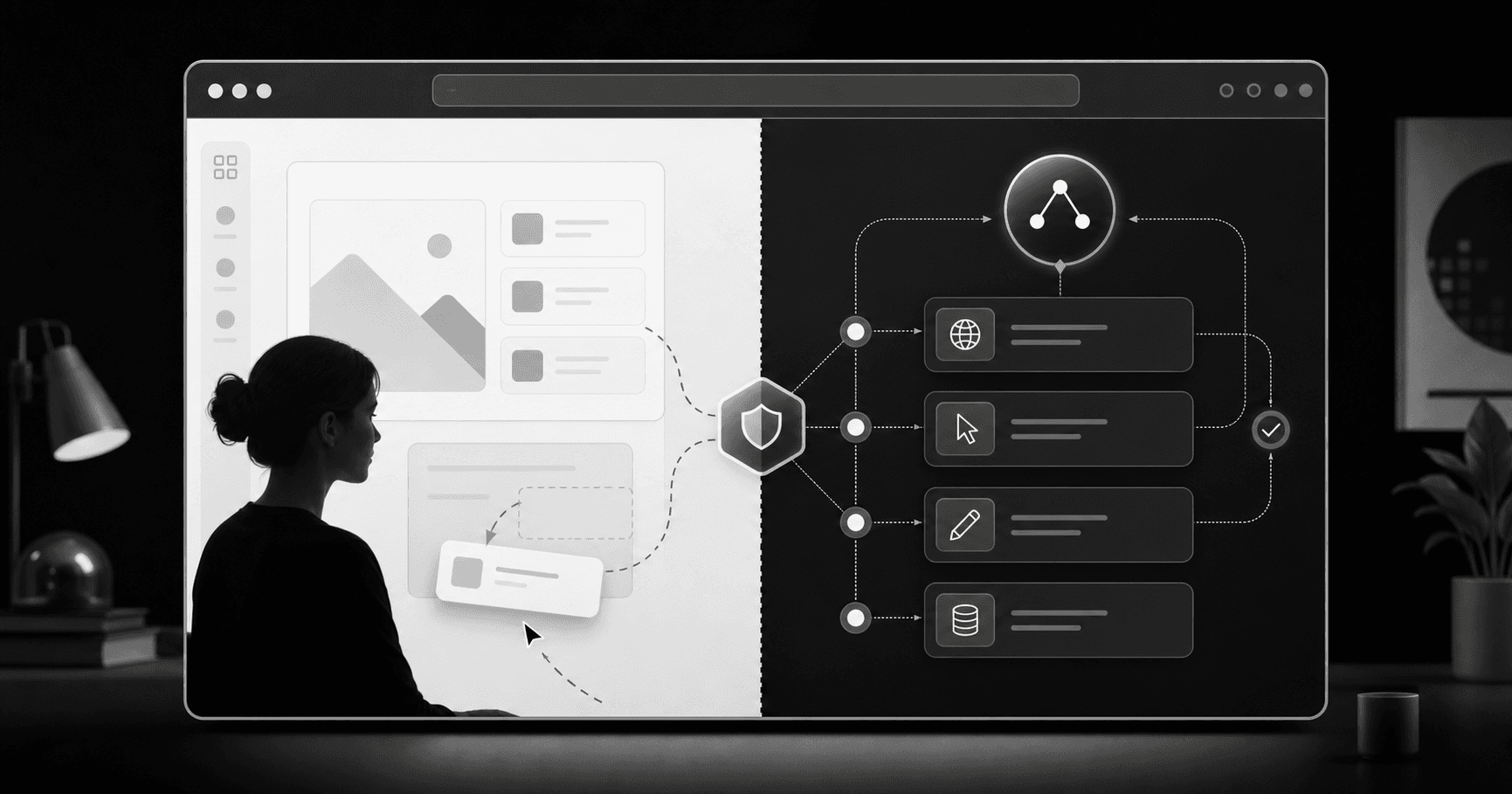
WebMCP is not only a technical idea. It is a product UX signal for websites where human users and AI agents work together.
For me, WebMCP does not feel surprising.
It feels like the next obvious step.
We have already seen the MCP protocol become stable across tools and services. Now the same thinking is coming to websites.
This is not only a technical point. It is a product point.
Agents can already use websites
Today an AI agent can open a website and use it almost like a human.
It can navigate pages. It can scroll. It can take screenshots. It can read the accessibility tree. It can click buttons and fill forms.
This works in many cases.
But it is still indirect.
The agent is still guessing
When an agent uses a website only by looking at the screen, it has to guess many things.
What does this button do?
Is this the final action or only the next step?
Is the user giving permission or just checking something?
This guessing takes time. It uses more tokens. It can break when the UI changes. A simple task can become heavy.
Accessibility helped, but it is not the full answer
The accessibility tree helped agents understand web pages better.
That is good. It made the web more readable for machines also.
But accessibility was not built as a full action system for agents.
It can help an agent identify a button or input. It does not always explain the product job, the risk, the state, or the trust boundary.
MCP solved one side
MCP servers are useful when an agent needs direct operation with a backend, a service, or a tool.
That is one side of the problem.
But many product flows still happen on the web.
The user is looking at the page. The agent is helping. The final control should stay clear.
This is where WebMCP becomes interesting.
WebMCP is agent UX
For human users, we already think about UX.
What should be visible? What should be easy? What needs confirmation? What should not happen by mistake?
Now product builders need to ask the same type of questions for agents also.
What can the agent see clearly?
Which actions can it call?
Where should the human approve?
Where should the product say no?
This is agent UX.
Human users and AI agents both matter
This is not about replacing the human user.
A good product still needs a good human interface.
But the next product flow may have two users in mind.
One is the human on the screen.
The other is the AI agent helping that human move faster.
WebMCP can help connect both without making the agent guess everything from screenshots and clicks.
Trust boundaries are the main point
The biggest value is not speed only.
The bigger value is trust boundary.
A product should be clear about what an agent can do, what it cannot do, and where the human must stay in control.
For example, searching is different from buying. Drafting is different from sending. Filling a form is different from submitting it.
If product builders do not design this boundary, agents will still try to act through the normal UI. That is less clear for everyone.
What product builders should do now
This is not the time to add WebMCP everywhere just because it is new.
A better first step is to map the important jobs in the product.
Which jobs are safe for an agent to help with?
Which jobs need human approval?
Which jobs should never be exposed?
That thinking is more important than the code.
My simple take
WebMCP matters because AI agents and human users both matter.
The web was made mainly for human users.
Now agents are also coming into the product flow.
So product UX has to grow.
Not with hype. Not with more magic.
With clear actions, clear limits, and clear human control.
References
Chrome WebMCP docs: https://developer.chrome.com/docs/ai/webmcp
Chrome WebMCP early preview post: https://developer.chrome.com/blog/webmcp-epp
GoogleChromeLabs WebMCP tools: https://github.com/GoogleChromeLabs/webmcp-tools